Introduction to Worksessions
Worksessions are a kind of file that references other Rhino, and Rhino-compatible, files into an active file. As reference files, there is some limited usability, but geometry in those files cannot be edited unless the source file is itself updated. Worksessions can be made either through the Worksession manager, by right-clicking the layers tab and selecting “Attach Model” or by simply dragging a Rhino file onto the Rhino canvas.
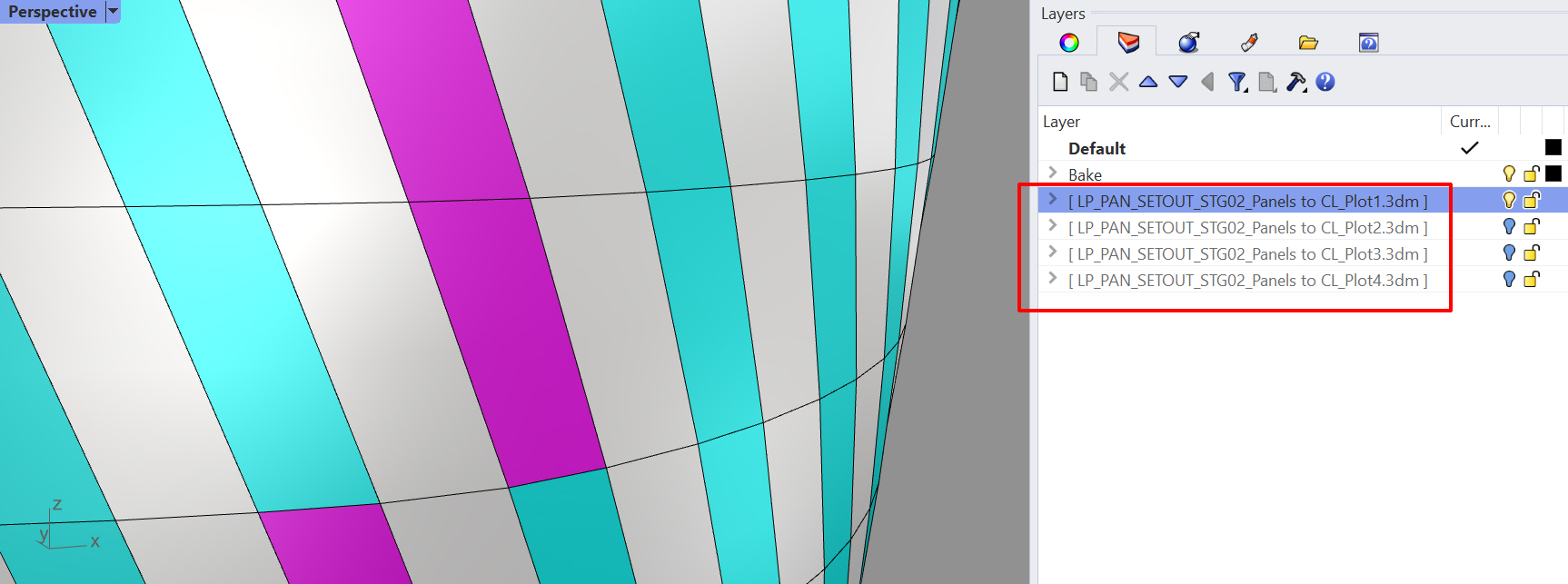 Files attached to the worksession appear as grey text in the layers window, but geometry appears as normal.
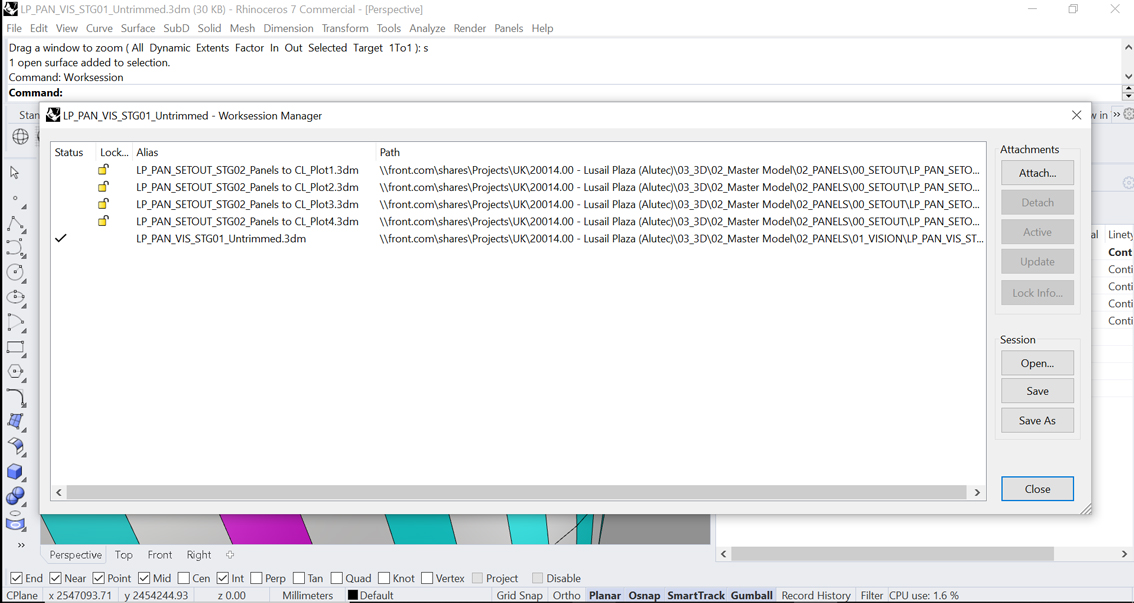 Worksession Manager can be used to view and attach files, and save the worksession.
Although the reference components allow the user to reference geometry directly from files without them being attached to the Worksession, having them attached to the Worksession can be useful as there will be more visual feedback and objects more interactive, for example when the user might want to easily see attributes of objects. So in cases where all geometry is referenced directly through reference components, it's still best practice to include a worksession in the workstage, where files can be dropped in when more detail and interactivity is needed.